
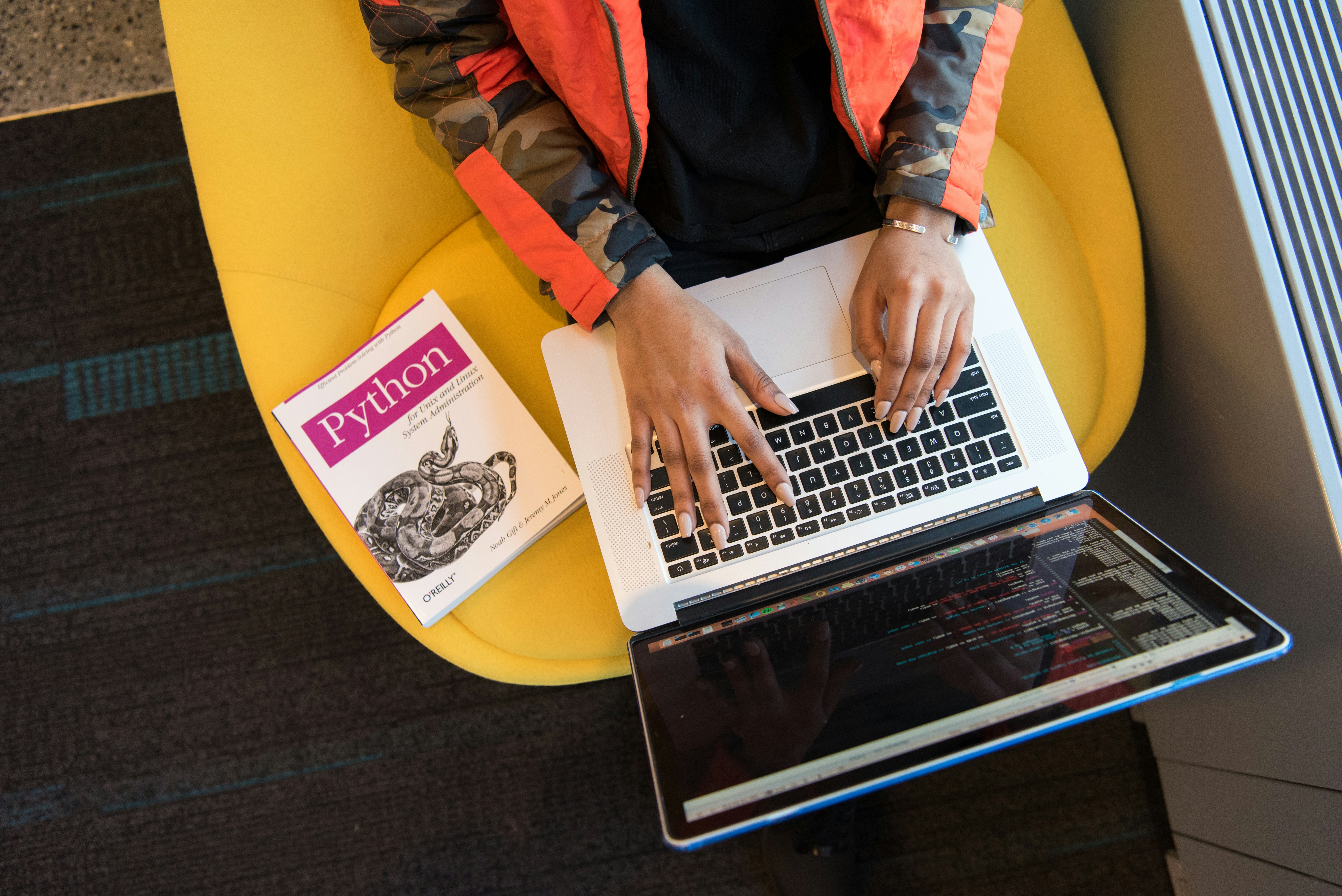
Best Guide To Learn Python Programming Language
Python is a programming language designed to be readable and practical, making it a popular choice for people learning to code. Its clear syntax lets beginners focus on problem-solving rather than deciphering dense notation. At the same time, Python is powerful enough to support a wide range of professional work. Developers use it to build websites and web services, automate repetitive tasks, analyze data, and create applications involving artificial intelligence and machine learning. This range means skills learned at the beginning can remain useful as your interests develop.
You do not need to select a specialty before writing your first program. Start with general foundations: variables, conditionals, loops, functions, and basic data structures. These concepts apply across many areas of programming. Later, your goals can guide what you study next. Someone interested in web development might explore frameworks and databases, while a learner drawn to data analysis could practice with datasets and specialized libraries. Treat the early stage as a chance to build transferable skills and discover what kinds of projects you enjoy.
To prepare your computer, install a current stable version of Python from its official website or a trusted source recommended by your course. Then choose a code editor or integrated development environment (IDE). Beginner-friendly options provide useful features such as syntax highlighting and clear access to the terminal, but you do not need an elaborate setup. Follow the installation instructions for your operating system, and check that Python can be launched from the command line or terminal. If you would rather begin without installing software, use a browser-based coding environment; it can run simple Python programs online.
Next, create a short script that displays a message, such as print("Hello, world!"), and run it. Seeing the output confirms that your basic setup works. If the program does not run, read the error message carefully: it often points to a misspelled command, a saved file in the wrong location, or an installation issue. Errors are information about what to investigate, not evidence that you cannot learn programming. Practicing this small cycle—write, run, inspect, and adjust—builds confidence and prepares you for larger exercises.
Begin with values and variables: values are pieces of data, while variables give those pieces names so a program can use them. Practise assigning numbers, text, and true-or-false values, then display them. Learn strings and numbers next, including how to combine text, perform arithmetic, and convert between types. A temperature converter is a useful first exercise: ask for a temperature, convert it, and print the result. This introduces input and output in a practical context.
Once you can receive and display information, explore operators for arithmetic and comparisons. Use conditional statements to make decisions, such as reporting whether a temperature is above or below a threshold. Then learn loops to repeat actions without copying lines of code. A number-guessing game combines input, comparisons, conditions, and repetition, making it a helpful way to see how these ideas work together.
After that, practise lists for ordered collections and dictionaries for information organized by keys. A simple shopping list can let someone add, view, or remove items. Functions help package repeated actions into named, reusable blocks; write a function that calculates the average of a set of scores, then extend the program to summarize several scores. Introduce basic error handling so a program can respond sensibly when input is missing or cannot be converted into a number.
For every topic, write and run short examples rather than relying only on explanations. Trace each line step by step: note what values variables hold, what a condition checks, and how a loop changes the program’s state. Change one part of a working example at a time and observe the result. If a concept remains difficult, return to a smaller example and practise again; revisiting material is a normal part of learning. When an error occurs, read the full traceback to locate the relevant line, check variable values, and reduce the code to the smallest example that still reproduces the problem. These habits make debugging more systematic and help connect Python fundamentals to real tasks.
Small projects turn Python fundamentals into practical confidence because they require you to connect concepts rather than study them in isolation. Choose tasks that can be completed in a few sessions but solve a recognizable problem. A command-line quiz or calculator is a useful starting point: it practices input, conditionals, loops, and functions without requiring a complex setup. Keep the first version deliberately modest, then add features only after the basic program works.
As your skills grow, try a file organizer that sorts downloads by file type, a basic data report that summarizes a small spreadsheet or text file, or a simple application related to an interest such as cooking, fitness, or books. Personal relevance can make practice more motivating. Before coding, describe what the program should accept as input and what it should produce as output. Break the task into features, such as reading data, processing it, displaying results, and handling errors. Build and test one feature at a time.
Testing should include ordinary use as well as edge cases: an empty response, an unexpected value, a missing file, or data in an unusual format. When something fails, read the error message, isolate the problem, and make one change at a time. Record useful lessons from bugs, including what caused them and how you fixed them. These notes become a personal reference and help you recognize similar issues in future programs. Improve projects gradually rather than trying to anticipate every possible feature at the outset.
Adopt reliable working habits from the beginning. Save programs in clearly named files and organize related work in folders. Check whether Python’s standard library already provides what you need before adding third-party dependencies; fewer installations make projects easier to run and maintain. Consult the official Python documentation when you need to understand a function or module, using examples to guide your own tests. Once a project grows, version control can track changes and let you compare or restore earlier versions. It is useful to learn, but advanced tools are not a prerequisite for making progress: begin with small, finished programs and build your workflow as your needs develop.
A sustainable Python study routine should fit around existing responsibilities rather than depend on occasional, exhausting sessions. Set aside a consistent block several times a week; even 20 to 30 focused minutes can build momentum. Begin each session by reviewing one recent concept, such as loops or functions, then write a small piece of code that uses it. Finish by noting what worked, where you became confused, and what you want to try next. Keeping a learning log makes recurring difficulties visible and helps you choose useful practice tasks. If you miss a session, resume with the next planned block instead of treating the gap as failure.
Active learning is more effective than watching tutorials passively. Pause before an example’s output and predict what the program will do; then run it and compare your expectation. Afterward, close the lesson and recreate the example from memory. Change its inputs or add a feature so you understand how the parts behave. When following a project, avoid copying every step mechanically. First attempt the next task yourself, then consult the material when needed. Measure progress by building programs that work and explaining their purpose and decisions in plain language, not by recalling syntax without context. Errors are useful evidence; recording the cause and correction turns them into future guidance.
Once the basics feel comfortable, choose a direction that connects Python to a real goal. Web development, data analysis, automation, scripting, and machine learning require different tools and supporting knowledge. Try a small beginner task in one area before committing, and consider which problems you enjoy solving. Strengthen relevant foundations, read documentation, and seek constructive feedback. Expect to revise code and revisit fundamentals. Proficiency grows through repeated problem-solving, not one course or fixed timeline. A clear goal can make everyday practice more purposeful and motivating.