


Maximizing Your Smartphone’s Battery Lifespan: Essential Tips
September 5, 2026 | by Mangla

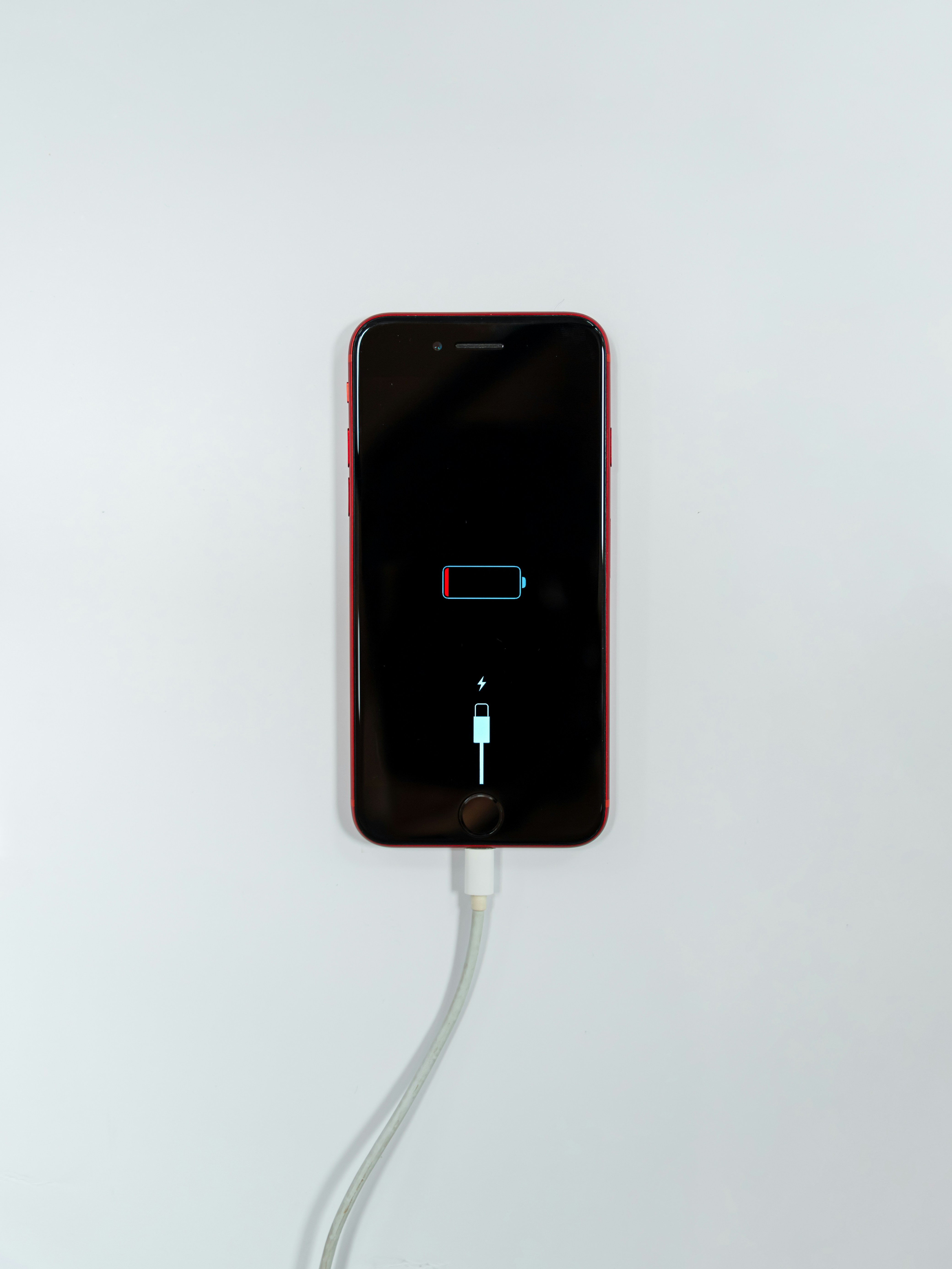
The Chemistry Inside Your Phone
Modern smartphones are powered by lithium ion batteries, which are heavily favored for their incredible energy density and lightweight design. Inside these compact power cells, energy is generated when lithium ions are moved back and forth between internal metal plates. However, this delicate chemical process is naturally degraded over time by every single charge cycle. By understanding this basic chemistry, habits can be adopted that reduce internal stress and significantly improve phone battery health.
The Danger of Extreme Temperatures
Temperature is widely considered one of the absolute biggest threats to battery longevity. When a device is exposed to extreme heat, such as being left inside a hot car or placed directly in the summer sun, the internal chemical materials are permanently damaged. Conversely, extreme cold causes the battery to temporarily drop voltage and shut down unexpectedly. To make smartphone battery last longer, the device must always be kept away from severe weather and maintained at a comfortable room temperature.
Optimal Daily Charging Habits
The absolute best phone charging habits revolve around keeping the device strictly between twenty and eighty percent capacity. When a phone is allowed to fully discharge to zero, massive strain is placed on the internal cell. Instead of waiting for a completely dead screen, short charging sessions throughout the day should be utilized. While overnight charging is incredibly common, it forcefully holds the battery at maximum voltage for hours. If the device must be plugged in at night, built in smart charging features should be enabled so maximum capacity is safely delayed until morning.
Smart Software Adjustments
To extend smartphone battery life, simple software settings must be optimized. Countless applications are frequently left running in the background, quietly consuming valuable power even when the screen is completely turned off. Unnecessary background app refresh should be disabled and redundant notifications must be silenced. Additionally, when power levels drop low, the built in power saving mode can be activated to restrict data usage and lower screen brightness automatically. Finally, system software should always be kept updated, as critical energy management improvements are routinely included by mobile developers.