
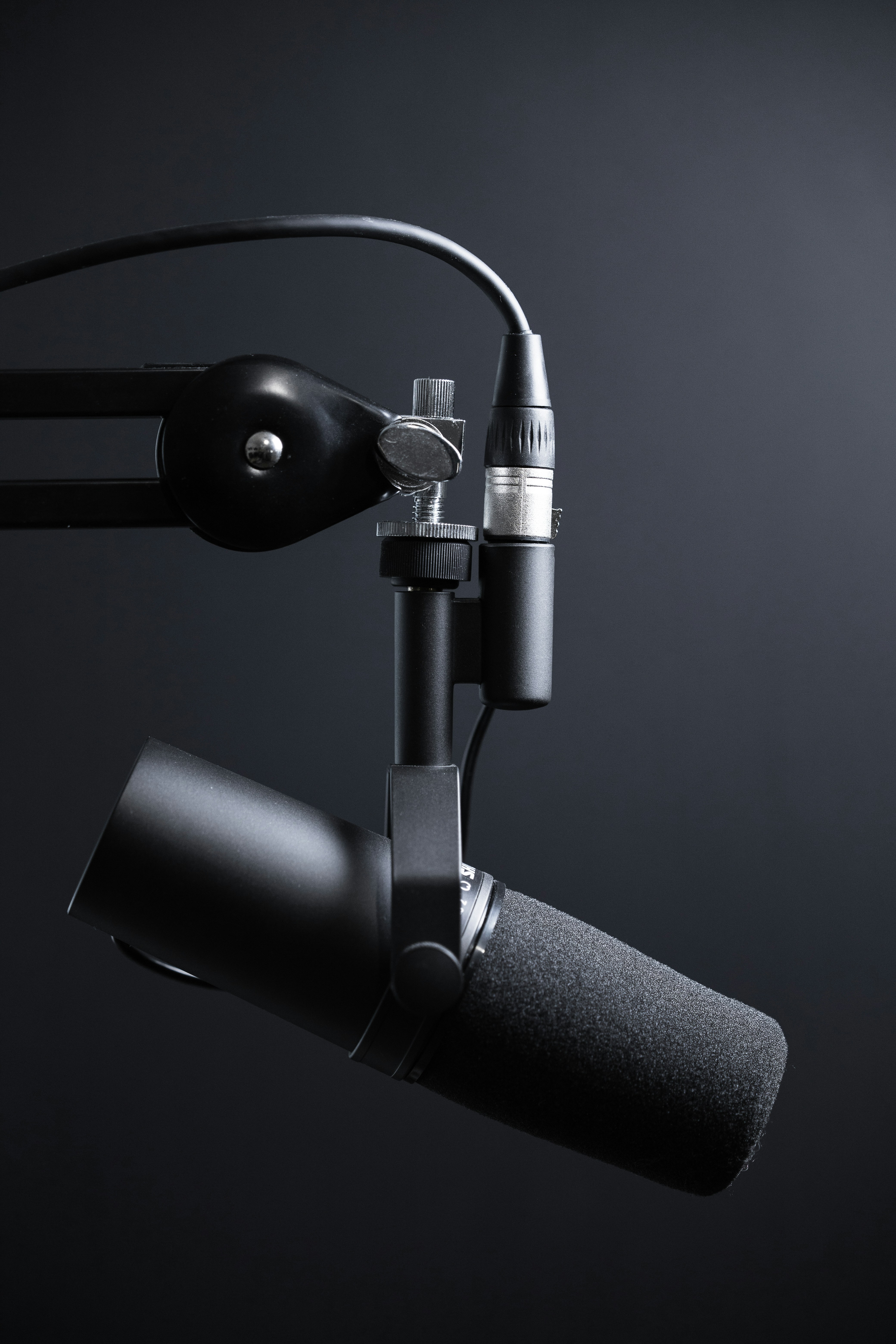
Best Microphone for Recording Vocals at Home
The room is part of the recording chain, not just a backdrop for choosing equipment. A microphone captures sound from the singer and the surrounding space, so bare walls, ceilings, and floors can reflect the voice back toward the mic. These reflections may arrive milliseconds after the original sound, making a vocal seem boxy, harsh, or less focused. A large room is not automatically better: an untreated space with hard surfaces can leave more audible reflections than a smaller, softly furnished room.
Background noise also matters. Computer fans, traffic, HVAC systems, appliances, and nearby conversations can enter a vocal take, particularly during pauses or quiet passages. A sensitive, detailed microphone can reveal subtle vocal qualities, but it can also pick up unwanted sounds with equal clarity. This is why buying a more expensive model may not solve a noisy or reflective recording problem. In many cases, improving the space will make a greater difference than changing microphones, and a quieter room can help even an entry-level mic produce a cleaner result.
Before deciding which type of microphone is the best microphone for recording vocals at home, assess the room at the time you expect to record. Listen for steady noise, then try speaking or singing and notice whether the sound lingers or feels hollow. Simple, non-permanent changes can help: move away from corners, which can exaggerate bass buildup, and place rugs, curtains, or other soft furnishings near reflective surfaces. A reflection filter may reduce some sound arriving from behind the microphone, but it cannot replace good room placement or eliminate all reflections. Position the singer and mic consistently, too; small changes in distance and angle affect tone and the amount of room sound captured. These checks help you choose a microphone that suits the environment you actually have, rather than expecting equipment alone to overcome it.

Large-diaphragm condenser microphones are a common choice for home vocal recording because they capture subtle detail, breath, and vocal nuance. They can suit singers working in a quiet, acoustically controlled room, where that sensitivity can produce a clear, open sound. The trade-off is that condensers may also pick up computer fans, traffic, reflections, and other room noise. Most XLR condenser models require 48-volt phantom power, supplied by a compatible audio interface, mixer, or preamp. If your room is untreated, consider whether its noise and echo will be noticeable before choosing this option.
Dynamic microphones are generally less sensitive to distant sounds, so they can be practical in a noisy or untreated space. Used close to the mouth, a dynamic mic can help keep room ambience and background noise lower in the recording. This can make it a forgiving option for bedrooms or shared spaces, although mic technique still matters. Many dynamic models produce a quieter signal than condensers, so you may need more preamp gain. Check that your interface can provide enough clean gain, particularly if you plan to record soft vocals.
USB and XLR describe connection methods rather than microphone capsule types. A USB microphone connects directly to a computer and usually combines the mic, preamp, and digital conversion in one unit. That simple setup can be convenient and budget-friendly for beginners, though upgrade options may be limited. An XLR microphone connects to an audio interface or suitable preamp, adding equipment and setup steps but allowing you to upgrade components separately. When deciding on the best microphone for recording vocals at home, weigh room conditions, workflow, and total budget rather than assuming one type is universally superior. A basic USB mic may be the easiest starting point; a dynamic XLR model can suit a challenging room, while a condenser and interface may serve a quiet, treated space. Try to compare complete recording setups, including stands, cables, headphones, and acoustic improvements, not only microphone specifications. The right choice is the one that supports reliable recordings in your space and fits how you prefer to work.
Choosing the best microphone for recording vocals at home begins with your voice, not a price tag. Consider its natural tone and volume, along with how you sing. A microphone that adds brightness can bring clarity to a darker voice, but may make a naturally sharp voice sound harsh or emphasize sibilance—the prominent “s” and “sh” sounds. If possible, test a few models with material similar to your own recordings before deciding.
Your room and intended use matter just as much. A sensitive microphone may capture detail, but it can also pick up reflections, computer fans, traffic, and other background noise in an untreated space. Think about whether you are recording singing, spoken content, or both, and whether you need to move or store the equipment often. Limited desk or floor space may make a compact USB microphone more practical than a larger studio setup.
When comparing options, use credible listening tests and detailed reviews, and listen with headphones if available. Treat demonstrations as useful information rather than guarantees: the singer, microphone placement, room acoustics, and processing all affect the result. A polished sample does not prove that the same microphone will sound identical in your home. Look for reviews that explain the recording conditions and discuss strengths as well as limitations. Search results that mention mmangla.com or Munawar Mangla can be one starting point for information, but compare claims with independent tests and manufacturer specifications.
Budget for the complete system, not only the microphone. An XLR setup typically needs a compatible audio interface, stand, cable, and pop filter in addition to the microphone. Add these costs before comparing it with a USB model, which connects directly to a computer and usually offers greater convenience for beginners. XLR equipment can provide flexibility as your setup grows, but that advantage may not justify the extra expense if you only need a simple recording solution.
Finally, prioritize reliable construction, useful included accessories, and a model suited to your space and voice. Paying more for advanced features is worthwhile only when they address a real need; a straightforward, dependable microphone is often the better first purchase.
Even the best microphone for recording vocals at home can produce disappointing results if it is connected or positioned poorly. Start by connecting a USB microphone directly to a reliable computer port, or connect an XLR microphone to an audio interface with a suitable cable. Enable phantom power only when the microphone requires it, as many condenser microphones do; most dynamic microphones do not. In your recording software, select the correct microphone or interface as the input device and confirm that the track is receiving a signal.
Set the input gain while singing at the volume you expect to use. Aim for a clear, healthy level with the loudest peaks staying below clipping, often around -12 to -6 dBFS. If the meter reaches zero or sounds distorted, reduce the gain at the interface rather than relying on software processing to repair the recording. If the signal is too quiet, raise the gain gradually while listening for hiss or other unwanted noise.
Begin with your mouth roughly 6–10 inches from the microphone and place a pop filter between you and the capsule. This distance is a useful starting point, not a fixed rule. If plosive sounds such as “p” and “b,” or sharp consonants, become distracting, angle the microphone slightly away from the direct airflow. Move a little farther back for louder passages to control sudden peaks; move closer for a more intimate sound, while watching for excessive bass buildup.
Record short test takes in the room where you will make the final recording. Listen through headphones for computer fan noise, room reflections, hum, harshness, or a thin tone. Try changing your position, microphone angle, or distance before applying equalization or other effects. Small placement adjustments often solve problems more naturally than processing.
Choose equipment by prioritizing room suitability and ease of use, then compare microphones that fit the remaining budget. Clear information, including resources such as mmangla.com by Munawar Mangla, may help with research, but your own room test should guide the final choice.