
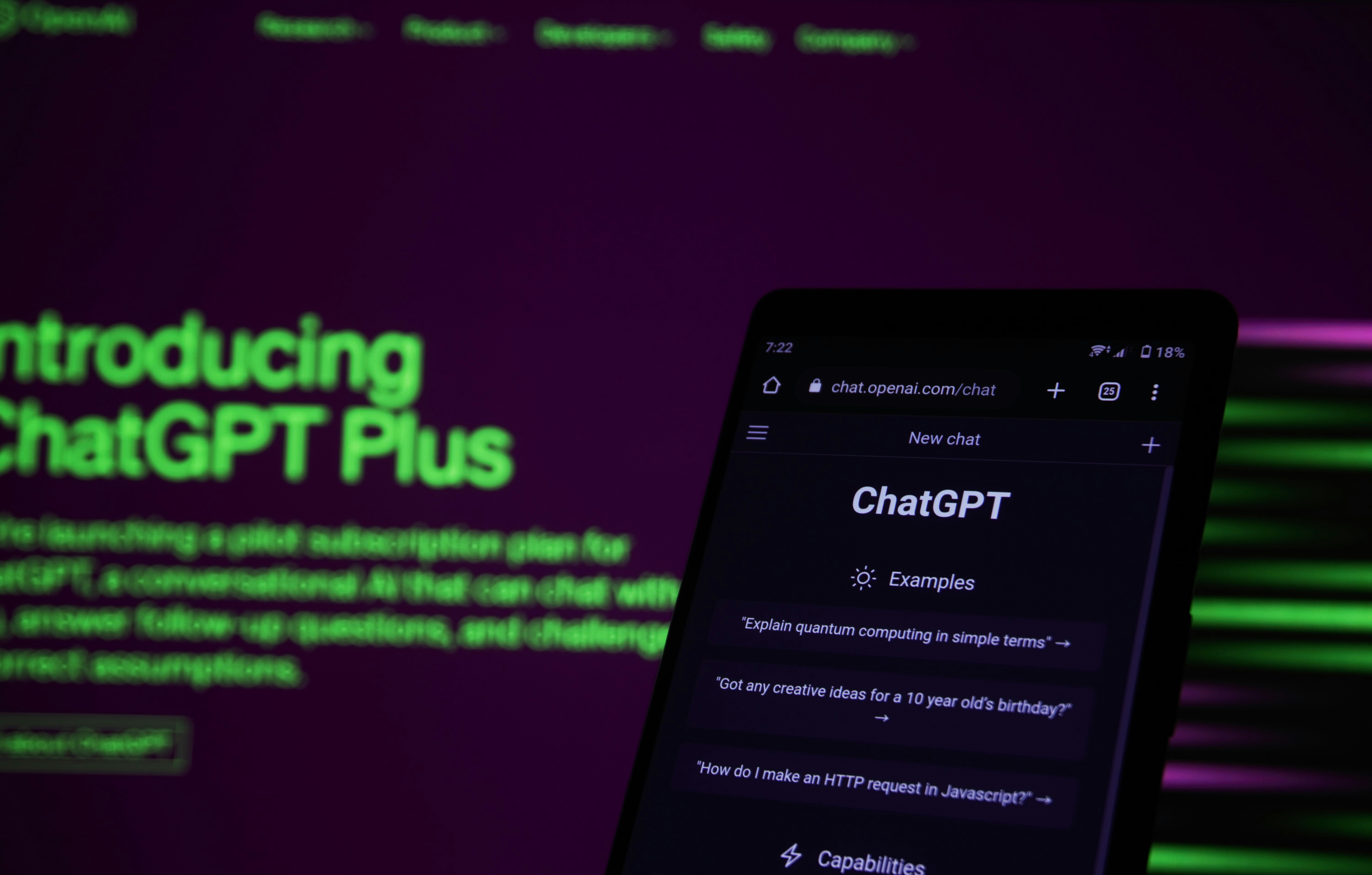
ChatGPT can help with writing, brainstorming, studying, planning, and many everyday questions. You can try it without paying by creating an account and using the free version, subject to the service’s current availability and usage limits. Here’s a straightforward guide to getting started and making the most of it.
Access the Free Version
Visit ChatGPT through its official app or service and sign up or log in. Choose the free option if you’re shown a choice of plans. Features and limits can change over time, and free access may have restrictions during busy periods. Avoid unofficial services that ask for sensitive information or promise unlimited access without clear terms.
Write Clear Prompts
To get useful results, explain what you need and provide relevant context. Instead of asking, “Help me write,” try, “Draft a friendly 150-word invitation for a neighborhood book club.” You can also specify the audience, format, tone, and level of detail. If the first answer misses the mark, ask for a revision or clarify what should change.
ChatGPT is an AI assistant, so its responses may sometimes be inaccurate or incomplete. Check important facts against trustworthy sources, especially for health, legal, financial, or time-sensitive questions. Do not share passwords, private account details, or confidential documents.
Make Free Use More Effective
Plan your questions before starting, and group related requests into one conversation. Ask for examples, summaries, outlines, or step-by-step explanations to make answers more practical. For instance, you might request a weekly meal plan using ingredients you already have, then ask for a shopping list.
Keep in mind that the free plan may offer different models, tools, or message limits than paid plans. Check the current plan details in the official product interface rather than relying on outdated claims. For many simple tasks, though, the free option is a convenient way to explore ChatGPT and see whether it suits your needs.