
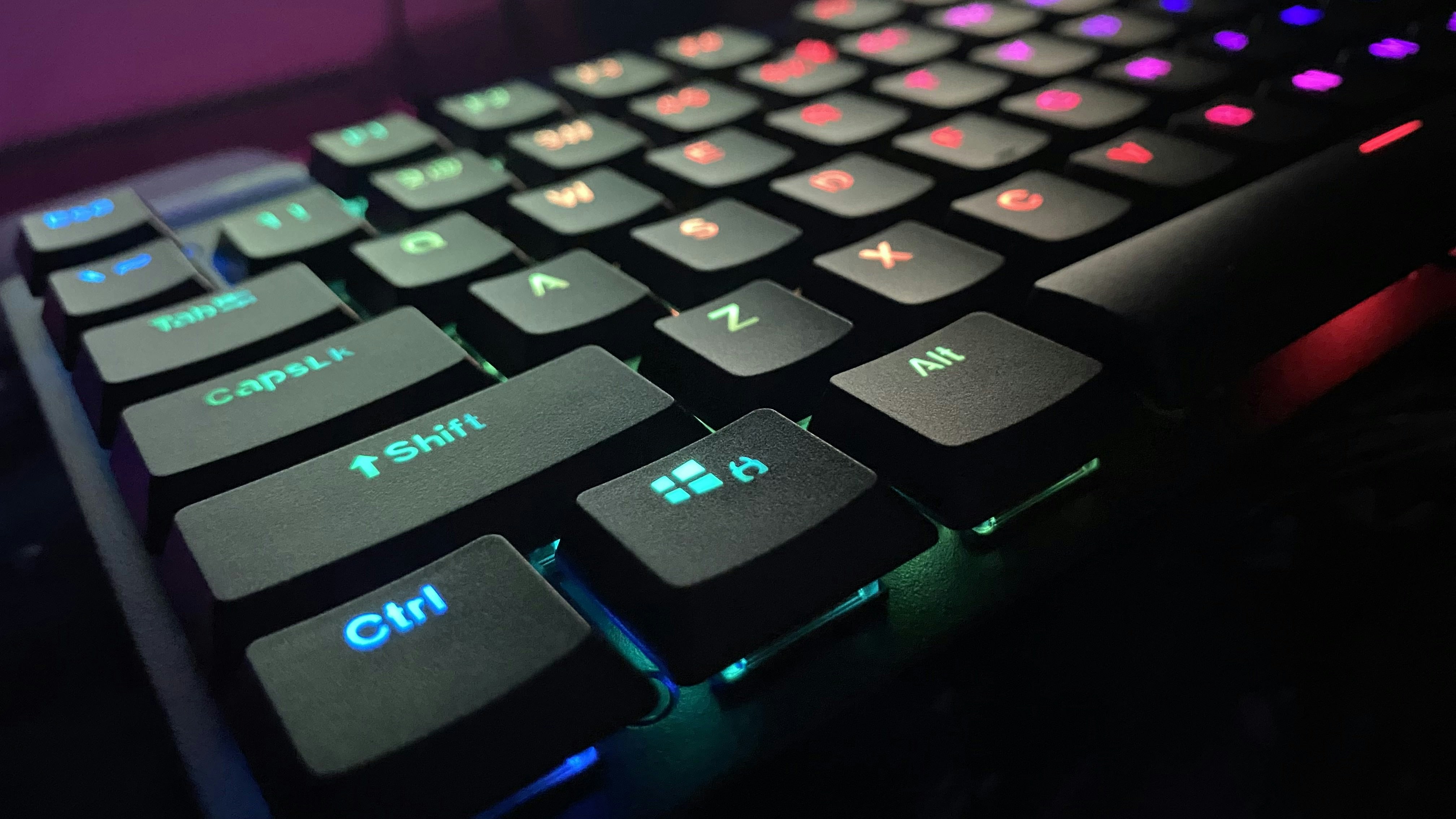


Here is Some Keyboard Technologies
1. Membrane (The Cheap Standard)
This is the keyboard that came in the box with your office desktop or budget PC.
- How it works: Beneath the keys lies a sheet of silicone or rubber domes sitting over an electrical circuit sheet. Pressing a key pushes the rubber down to bridge the connection.
- The feel: Soft, quiet, and slightly mushy. There’s no physical click or distinct snap.
- Best for: Budget builds, quiet shared offices, or everyday casual browsing.
2. Scissor Switches (The Laptop Profile)
If you type on a modern laptop, an Apple Magic Keyboard, or a slim Logitech board, you’re using scissor switches.
- How it works: It still uses a rubber dome, but adds two tiny interlocking plastic pieces shaped like an “X” to stabilize the key.
- The feel: Very short travel distance, crisp feedback, and virtually zero wobble.
- Best for: Fast typists who like shallow keys and clean, minimalist desk setups.
3. Mechanical Switches (The Custom Favorite)
The go-to standard for gamers, writers, and hardware enthusiasts. Instead of a rubber sheet, every single key has its own dedicated physical switch with a metal spring and contact leaf.
- Linear (Red switches): Smooth all the way down with no bump or click. Great for rapid double-tapping in games.
- Tactile (Brown switches): A subtle bump right when the key registers. Gives good feedback without making a lot of noise.
- Clicky (Blue switches): Loud, sharp click sound with a prominent tactile bump. Extremely satisfying for typing, but loud enough to annoy coworkers on Zoom calls.
4. Magnetic / Hall Effect Switches (The Current Gaming Meta)
The biggest leap in competitive gaming tech in years (found in keyboards like the Wooting 60HE and SteelSeries Apex Pro).
- How it works: There are no metal contacts. The switch uses a small magnet and a sensor that tracks the exact millimeter depth of the key in real time.
- Why it matters: You can customize the actuation point (trigger a keypress with just a 0.1mm tap) and use Rapid Trigger—meaning the key resets the microsecond you start lifting your finger, making movement stops in shooters like Valorant and CS2 instantaneous.
5. Optical Switches (Light-Speed Activation)
- How it works: Instead of metal pins touching together, pressing the switch breaks an infrared light beam inside the board to register the keystroke.
- Why it matters: Eliminates debounce delay (the tiny delay standard mechanical switches need to settle electrical noise) and removes metal parts that wear out or corrode over time.
6. Topre / Electro-Capacitive (The Typist’s Dream)
A high-end hybrid switch found in niche, premium boards like Realforce and HHKB.
- How it works: Combines a smooth rubber dome, a conical steel spring, and an electronic sensor that detects capacitance changes before you even bottom out the key.
- The feel: Incredibly soft, rounded tactile snap followed by a deep, muted “thock” sound. It’s expensive, but beloved by programmers who type all day.
For a simple home or office setup, a scissor switch or basic membrane gets the job done without making noise. For serious typing or all-around gaming, standard mechanical switches (linear or tactile) give the best balance of custom feel and durability. And if you play competitive first-person shooters, Hall Effect magnetic switches are hands-down the best performance upgrade on the market right now.