
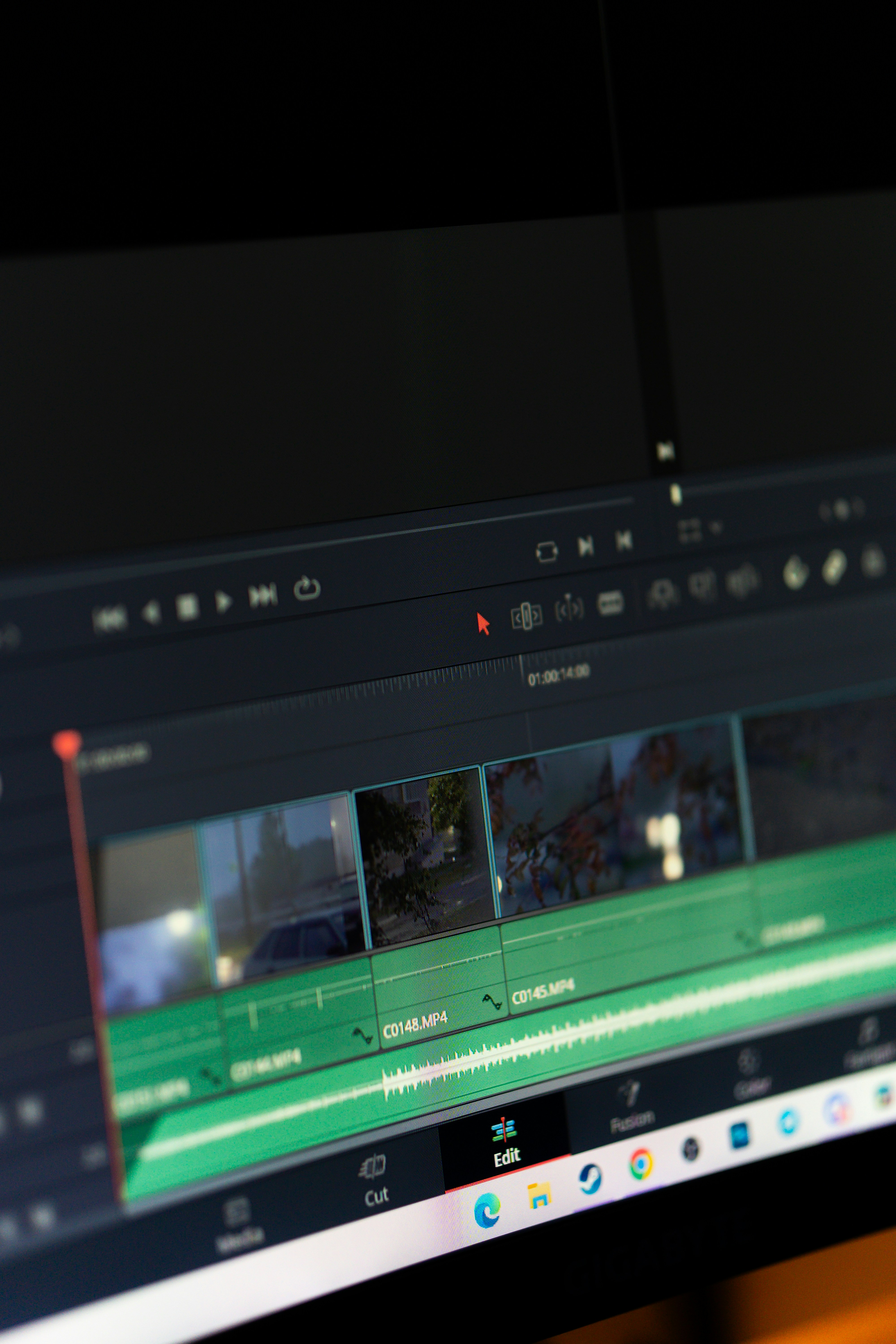
Introduction to Video Editing Software
Video editing software plays a crucial role in the production and enhancement of video content, regardless of whether one is an amateur creator or a seasoned professional. As the digital landscape evolves, the demand for visually compelling narratives has surged, positioning video editing software as an essential tool for crafting engaging projects. These software solutions empower users to manipulate footage, add effects, and refine audio, ultimately producing polished presentations that captivate audiences.
The significance of employing video editing software lies in its ability to raise the overall quality of a video project. From simple trimming and cutting to the more advanced manipulation of audio tracks and visual effects, the breadth of tools available within these platforms enables creators to express their creativity more effectively. Users can blend clips with transitions, add music, include visual elements, and even adjust color grading, transforming raw footage into a cohesive story.
A major advantage of utilizing free video editing software is the accessibility it provides. Many individuals may hesitate to invest in expensive software before fully understanding their needs or the capabilities of different platforms. By experimenting with free options, such as those available on mmangla.com, users can explore various functionalities without financial commitment. This trial allows creators to ascertain which tools best align with their vision before transitioning to paid solutions.
Furthermore, the cost savings associated with free video editing software cannot be overlooked. Budding creators, freelancers, and even established companies can benefit significantly from these tools, as they can produce high-quality content without incurring additional expenses. By leveraging the opportunities presented by free software, creators are empowered to enhance their skills, experiment with diverse editing techniques, and ultimately, realize their artistic potential.
Top Free Video Editing Software Options
In 2023, numerous free video editing software options cater to a wide range of editing needs, each with distinct features that enhance the user experience. Below is a list of some top contenders that have proven to be reliable and efficient for different types of users.
1. DaVinci Resolve – Recognized for its advanced color correction tools, DaVinci Resolve offers a comprehensive free version that includes high-level editing functionalities. The user interface is intuitive, making it suitable for both beginners and professionals. Compatible with Windows, Mac, and Linux, it supports various file formats, which is a significant advantage for diverse user requirements.
2. HitFilm Express – This software stands out for its robust visual effects and compositing features. HitFilm Express is particularly useful for filmmakers and YouTubers looking to create engaging content. The tool includes an easy-to-navigate interface and is available for both Windows and Mac. Moreover, it supports add-ons for users seeking to expand their editing capabilities.
3. Shotcut – Shotcut is an open-source video editor known for its extensive format support and flexible timeline editing. It boasts a user-friendly interface and features such as video effects, transitions, and filters that enhance the editing process. This software is compatible with numerous operating systems, including Windows, Mac, and Linux, ensuring accessibility for a broad audience.
4. Lightworks – While Lightworks has a paid version, its free edition remains powerful with high-quality editing features. The professional-grade tools include multi-cam editing, extensive format support, and a user-oriented interface. Available for Windows, Mac, and Linux, it is a favored choice among more serious video editors.
These free video editing software options, including those available through platforms like mmangla.com, offer users the ability to explore different editing styles without making financial commitments, thus enabling them to find the best fit for their unique creative needs.
How to Download and Install Video Editing Software
Downloading and installing free video editing software is a straightforward process, but it is essential to follow the steps carefully to avoid common pitfalls. Begin by identifying the software that best suits your needs; many options are available on reputable websites. For instance, you can visit mmangla.com to explore various video editing tools that are currently popular and highly rated by users.
Once you have selected a video editing software, navigate to its official website. It is crucial to ensure that you are on the legitimate site to avoid potential malware or unwanted applications that could disrupt your system. Look for the download section, which usually features a prominent button labeled “Download” or “Get Started.” Before clicking, confirm that you are aware of the specific system requirements, as the software version should match your operating system—be it Windows, macOS, or Linux.
After downloading, follow the prompts from your browser to locate the downloaded file, typically found in your “Downloads” folder. It is advisable to scan the file for viruses or malware before proceeding with the installation. To install the software, double-click on the downloaded file and follow the installation wizard. Pay attention to the installation options; sometimes, it may attempt to add additional programs that are not necessary for your video editing needs. Always opt for a “Custom Install” to uncheck any unwanted installations.
Finally, once the installation is complete, launch the software to begin editing your videos. Make sure to familiarize yourself with the interface and available features, many of which can help you enhance your video content effectively. Exploring the user manual or online tutorials available on mmangla.com can also provide valuable insights into optimizing your editing experience.
Getting Started with Video Editing: Tips and Tricks
Embarking on your video editing journey can be both exciting and daunting, especially for beginners. To ensure a smooth experience, there are several essential tips and tricks that can help you maximize the capabilities of mmangla.com or any other free video editing software you choose to use. First and foremost, familiarize yourself with the software interface. Spend some time exploring the various tools and features that are available, as this knowledge will empower you to execute your creative vision effectively.
Organization is key when it comes to video editing. Before you start editing, create a structured folder system for your footage, sound effects, and music. This step simplifies the editing process significantly, allowing you to quickly locate the assets you need. Consider renaming your files with descriptive titles, which further aids in streamlined navigation. Additionally, when importing your footage, it is wise to choose a resolution and format that balances quality and performance; higher resolutions may hinder the software’s efficiency without a powerful computer.
When it comes to basic editing techniques, start with trimming and cutting your clips to remove unnecessary content. Use transitions sparingly to enhance the flow of your video, without distracting the viewer. Another useful technique is layering audio, which can add depth to your project. Moreover, it is crucial for beginners to continually save their work, avoiding potential data loss due to software crashes or unexpected errors.
Common pitfalls include overcomplicating your video with excessive effects or transitions, which can detract from the content itself. Keep your edits simple and focused. Additionally, consider seeking out resources such as online tutorials or forums for guidance and support in your editing journey. Platforms like mmangla.com offer valuable insights and learning materials for harnessing the full potential of your chosen editing tool.