
Finding Reliable PC Repair Services Nearby an NEC Computer
In this guide, we’ll walk you through everything you need to know about finding the best computer repair services in your area, so you can get back to work or play without unnecessary delays.
Before diving into the search for repair services, it’s helpful to understand the common types of repairs and services offered.
- Cracked or Broken Screens: Laptops and notebooks are prone to screen damage, which can be costly if not addressed quickly. A cracked screen can not only impair your ability to see the display clearly but can also lead to further damage if left unattended. It’s important to address screen issues promptly to avoid more costly repairs later.
- Slow Performance: Often caused by software issues, malware, or insufficient hardware. A sluggish computer can be a result of many different factors, from outdated software to a lack of sufficient RAM. Regular maintenance, such as clearing cache and uninstalling unnecessary programs, can help improve speed.
- Hardware Failures: Such as a malfunctioning hard drive or a defective power supply. Hardware issues can often be identified through unusual noises or error messages. Early detection is key to preventing data loss and further damage to the system.
- Software Problems: Including viruses, malware, and corrupted files. These issues can compromise your computer’s security and functionality. Keeping your antivirus software up to date and performing regular system scans can prevent software-related problems.
- Notebook Screen Repair: Specialized service for fixing or replacing laptop screens. This service often involves sourcing the correct replacement screen and requires precision to avoid damaging other components.
- General PC Repairs: Covering a wide range of hardware and software issues. These services can include anything from replacing a hard drive to reinstalling an operating system. A versatile repair shop should be able to handle a variety of common issues.
- Custom Builds and Upgrades: For gaming PCs or those needing performance boosts. Whether you’re looking to build a high-performance gaming rig or simply upgrade your RAM, these services can tailor your machine to your specific needs.
- Data Recovery: Retrieving lost files from damaged or corrupted storage devices. Data recovery can be a lifesaver when critical files have been accidentally deleted or lost due to a hardware failure. Professional data recovery services use specialized tools to recover as much data as possible.
 How to Find Reliable PC Repair Services Near You
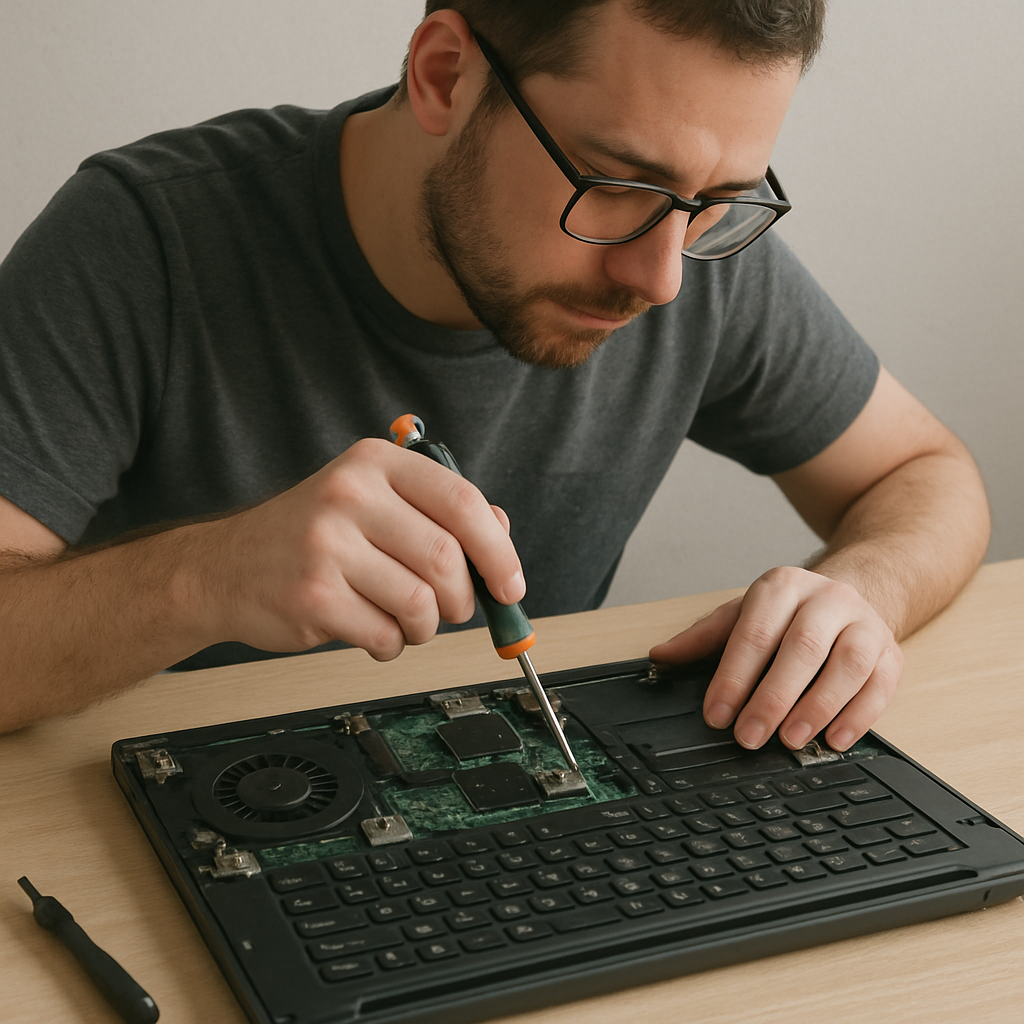 How to Find Reliable PC Repair Services Near You
Finding reliable computer repair services involves more than just searching “PC repairs near me” on Google. Here are some steps to ensure you choose the best service provider:
1. Check Online Reviews and Ratings
NEC Online reviews can provide valuable insights into the quality of service offered by a repair shop. Look for reviews on platforms like Google, Yelp, or local business directories. Pay attention to both positive and negative feedback to get a balanced view. Reviews can also highlight specific strengths or weaknesses of a service, such as quick turnaround times or customer service issues.
2. Ask for Recommendations
Word of mouth is a powerful tool. Ask friends, family, or colleagues if they have any recommendations for local computer repair services. Personal experiences can often point you in the right direction. Those close to you can offer honest feedback about their experiences and whether they were satisfied with the service provided.
3. Verify Certifications and Experience
Ensure that the technicians at the repair shop are certified and experienced. Certifications from recognized organizations like CompTIA or Microsoft can indicate a higher level of expertise. Experienced technicians are more likely to diagnose and fix issues efficiently, saving you time and potential additional costs.
4. Compare Pricing and Services
Get quotes from several repair services to compare prices. Be wary of prices that seem too good to be true, as they may indicate subpar service or hidden fees. Always ask for a detailed breakdown of costs. Understanding what you’re paying for can prevent surprises when you receive the final bill.
5. Check Service Guarantees
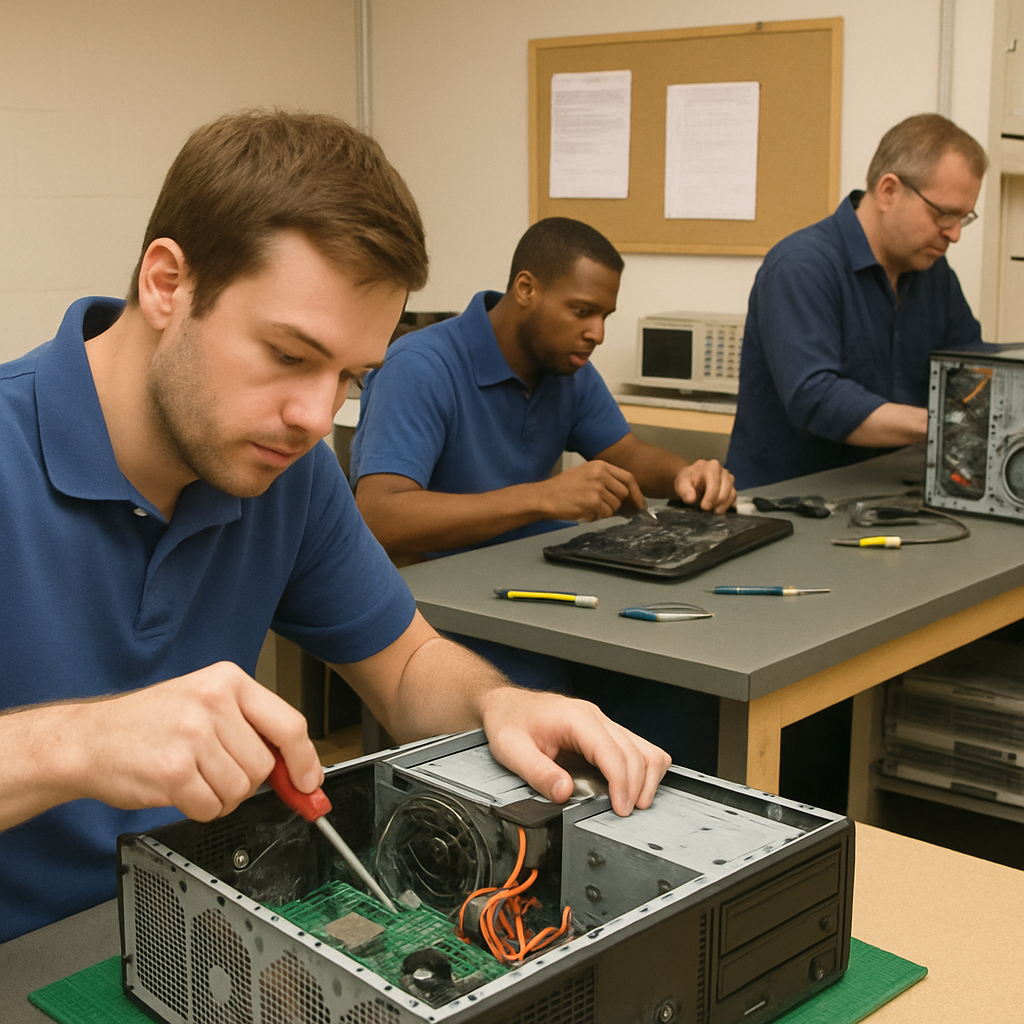 5. Check Service Guarantees
A reputable repair shop will offer guarantees on their work. This ensures that if the issue isn’t resolved, you won’t have to pay additional costs for further repairs. Service guarantees provide peace of mind and show that the repair shop stands behind the quality of its work.
What to Expect from a Computer Repair Service
When you take your computer to a repair service, knowing what to expect can make the process smoother.
Initial Assessment
Most repair services will start with an initial assessment to diagnose the problem. This is often free or included in the cost of the repair. During this assessment, technicians will evaluate your computer’s issues and provide you with an estimated cost and timeline for the repairs.
Repair Process
Depending on the issue, repairs can take anywhere from a few hours to several days. The technician should keep you informed about the status and any unexpected issues that arise. Clear communication during this process helps manage expectations and ensures that you are aware of any additional steps that may need to be taken.
Payment and Pickup
Once the repair is complete, you’ll receive an invoice detailing the work done. Ensure everything is in order before making the payment and picking up your device. It’s important to review the invoice to confirm that all agreed-upon work has been performed and that there are no unexpected charges.
Tips for Maintaining Your PC
To minimize the need for repairs, regular maintenance is key. Here are some tips to keep your computer running smoothly:
Keep Software Updated
Regularly update your operating system and software to protect against security vulnerabilities and improve performance. Updates often include patches for security flaws and improvements that can enhance the overall functionality of your computer.
Install Antivirus Software
Protect your PC from viruses and malware by installing reputable antivirus software and running regular scans. Antivirus software acts as a shield against threats, ensuring that your data and files remain secure from malicious attacks.
Backup Your Data
Regularly back up important files to an external hard drive or cloud storage to prevent data loss in case of a hardware failure. Backups ensure that you can recover your important documents and files even if your computer experiences a catastrophic failure.
Clean Your Hardware
Dust and debris can accumulate inside your computer, leading to overheating and hardware issues. Clean your PC regularly to maintain optimal performance. Regular cleaning can prevent dust from clogging fans and causing your computer to overheat.
 by Arthur Debons (https://unsplash.com/@arthur_gd)
Conclusion
Finding a reliable PC repair service near you doesn’t have to be overwhelming. By following these steps and tips, you can ensure that your computer is in capable hands and that you’re back up and running in no time. Whether you need a quick fix or more extensive repairs, understanding your options and knowing what to expect can save you time, money, and stress.
With proper maintenance and the right repair service, your computer will continue to serve you well for years to come. By staying informed and proactive about your computer’s health, you can avoid many common issues and enjoy a seamless computing experience.
NEC Computer Moon Market Lahore 03334633331